Guide
6 min read · Updated on Oct 11, 2026
How to install Reveza on Mac, Windows and Linux
Reveza AI installs with a single command on macOS, Windows and Linux, including a headless VPS. This guide shows what you need first, how to open the terminal on each system, what the installer asks and what changes from one system to another.
In short
- You need Node 20.19 or newer and Claude Code. For the online dashboard, free Supabase and Vercel accounts; without them,
--sem-nuvem. - The command is
npx github:dantaspaulo/reveza, the same on all three systems. On Windows, it needs Git installed. - The installer asks and sets everything up. Automatic switching starts off, and you turn it on whenever you want.
In this guide
What you need first
- Node 20.19 or newer
- Download the LTS version from nodejs.org. To check, run
node -vin the terminal: the number must be 20.19 or higher. - Claude Code installed
- On each computer that will rotate accounts, from the official page, with the Claude accounts you already use.
- Supabase and Vercel, on the free plans
- For the online dashboard, one account on each. The installer creates the project and deploys the dashboard with tokens it does not store. Without them, use
--sem-nuvem: the agent decides on its own on the computer. - Git, on Windows only
npx github:downloads the code through Git. Install Git for Windows or use the release package shown further down.
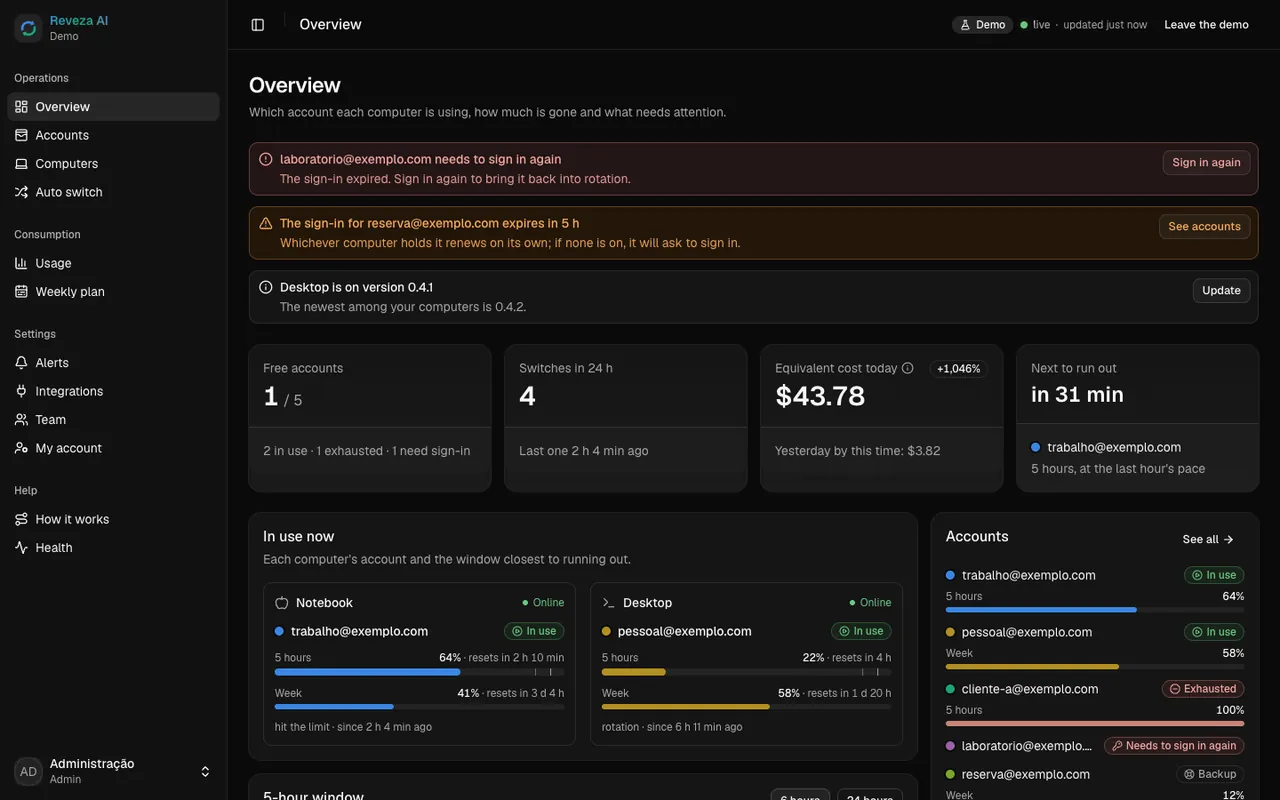
Want to just look before installing? npx github:dantaspaulo/reveza --demo opens the dashboard with sample data, with no cloud and without touching any account.
How to open the terminal on each system
macOS
- Open Terminal: press Command + Space, type Terminal and press Enter.
- It also lives in Applications, in the Utilities folder.
Windows
- Open PowerShell or Windows Terminal: click the Start menu, type PowerShell (or Terminal) and press Enter.
Linux and VPS
- On a computer with a screen, open the terminal app (on many distributions, Ctrl + Alt + T).
- On a VPS, sign in over SSH:
ssh user@server-address.
The command
With the terminal open, run:
npx github:dantaspaulo/revezanpx comes with Node. The first time, it asks whether it may download the package: answer y. The command is the same on Mac, Windows and Linux.
On Windows, without Git
npx github: needs Git. Without it, use the 0.6.0 release package, which does not:
npx https://github.com/dantaspaulo/reveza/archive/refs/tags/v0.6.0.tar.gzWindows without Git: the same installer, downloaded from the release package.
What the installer asks
It numbers the stages of your path (from 1 to the total) and tells you what it is doing in each one. The questions, in order:
This computer
Whether it creates a new installation or joins one that already exists. On the first computer, choose create.
Checks
Checks Node, npm and Claude Code. Without Claude Code, it warns and goes on, but the session mod and the account logins wait until you install it.
Agent and the reveza command
Installs the agent and the session mod and asks whether it may add the
revezacommand to your PATH.Supabase
The personal token from your Supabase account (the page to create it opens in the browser on its own), the project (a new one just for Reveza, or an existing one) and the region. Then the e-mail and password of the dashboard admin. The token is not stored.
Vercel
The Vercel token (its page also opens on its own), where to publish, the project name and the dashboard address: Vercel's or a subdomain of yours. This token is not stored either. Automatic switching has no question: it comes on, warning at 90% and switching at 95%, and you change it in the dashboard.
Accounts
The account already in use in Claude Code joins on its own. For each extra account, type the e-mail: the browser opens the official sign-in and you sign in with it.
Alerts and final check
Where to alert you (Telegram, e-mail, webhook or not now; phone notifications are turned on in the dashboard) and a final check: the computer shows up in the cloud and answers a command from the dashboard.
At the end, it shows the dashboard address. On the first sign-in, the dashboard asks for two-step verification. In the terminal, reveza status shows the account in use and the usage of each one; inside Claude Code, /reveza.
No cloud
With --sem-nuvem, the Supabase and Vercel stages do not show up: the agent, the mod and the accounts stay on this computer only, with no online dashboard. You can add the cloud later.
What changes on each system
macOS
- Reveza's secrets (the vault key and the computer's identity) live in the Keychain, the system keychain.
- The agent runs as a launchd service, which starts on its own when you sign in to the Mac.
Windows
- Secrets live in files protected by DPAPI, the Windows protection tied to your user: another user on the computer cannot open them.
- The service is a Task Scheduler task that starts when you sign in to Windows.
npx github:needs Git; without it, use the release package.
Linux and VPS
- With Secret Service (
secret-tool), secrets live in the system keychain. Without it, in a file only your user can read (permission 0600), andreveza doctortells you so. - The service is a systemd user service. On a VPS, to keep it running after you leave SSH, enable
loginctl enable-lingerfor your user: the installer shows the command. - It works without a screen: on a VPS, everything goes through the terminal, and the dashboard opens in the browser of another device.
If something goes wrong
It stopped at "agente/package-lock.json ausente"
That was fixed in version 0.1.1. Run it again pointing at the current version: npx github:dantaspaulo/reveza#v0.6.0 (with --ligar at the end if you were linking a new computer).
It says Node is too old
Reveza needs Node 20.19 or newer. Install the LTS version from nodejs.org, open a new terminal and check with node -v before running it again.
It says Claude Code was not found
The installer looks for the claude command on your PATH. Install Claude Code from the official page, open a new terminal, check with claude --version and run the installer again.
On Windows, npx complains about Git
npx github: uses Git to download the code. Install Git for Windows and open a new terminal, or use the release package: npx https://github.com/dantaspaulo/reveza/archive/refs/tags/v0.6.0.tar.gz.
On the VPS, the service did not start
Without a systemd user instance, the installer warns you. Run reveza rodar in a terminal, or put the same command in crontab with @reboot. Then reveza doctor checks the whole installation.
Something already listens on port 7788
Another account manager is running. The installer offers shadow mode: Reveza reads and shows what it would do, without switching accounts. Once you stop the other one, run it with --atualizar to leave shadow mode.